
Viewing Compliance Policy Details
Before you begin
About this task
Procedure
- From the SOTI Connect main menu, select .
-
Select the compliance rule you want to view.
The rule's pop-up window appears.
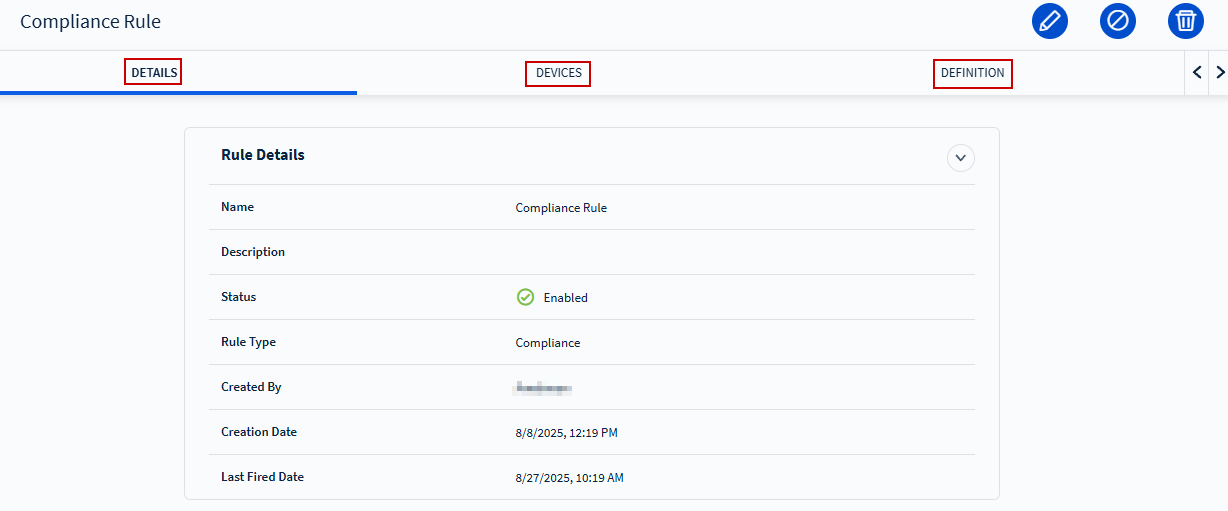 In the rule's pop-up panel, review the available tabs:
- Details tab: Displays a summary of the rule.
- Devices tab: Lists all devices the rule applies to.
- Definition tab: Displays the compliance rule’s criteria.