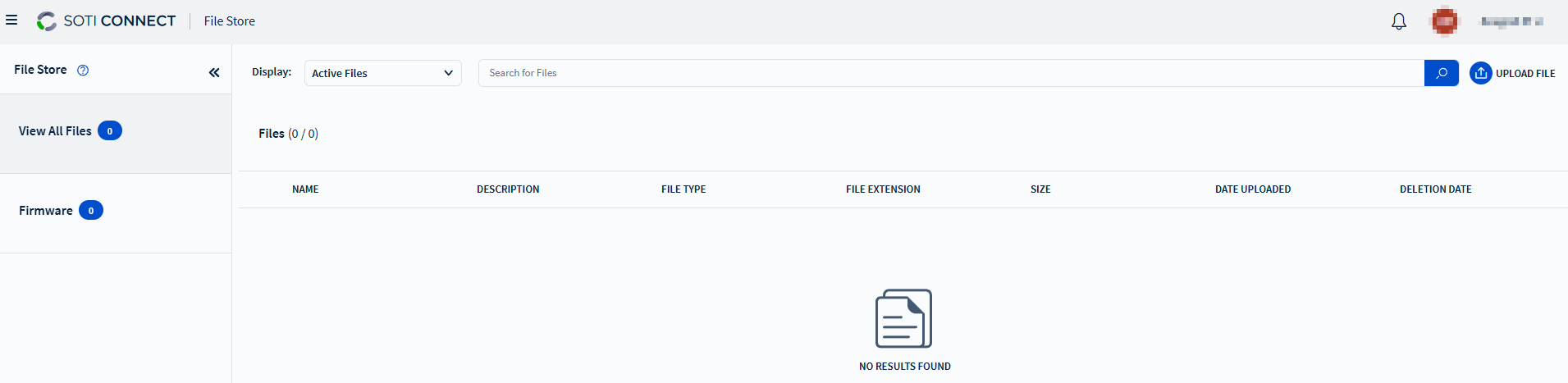
The File Store pane in SOTI Connect allows you to
upload, manage, and download files that can be pushed to devices. This includes
configuration files, certificates, and firmware upgrade packages.
View All Files
Lists all the uploaded files in SOTI Connect environment.
Use the
Display filter to view the files in different
categories:
All Files: Displays all files uploaded to the File
Store.
Active Files: Displays only currently available
files.
Deleted Files: Displays files that were deleted from the File Store.
Note: Deleted files are retained
for history purposes only and cannot be
restored.
Firmware
Displays only firmware upgrade files uploaded to the File
Store.