
Remote work has reached 52% of the global workforce. While there is a push for a return to in-office work, remote and hybrid models are likely here to stay.
So, how can organizations better manage their remote teams? What are the best practices? What tools are available to help support and manage remote employees? In this blog, we’ll explore these questions in detail. Let’s dive in!
Key Takeaways
-
Regardless of the type of remote work, they rely on four core essentials: technology, communication, collaboration and productivity.
-
Organizations can use a variety of technology to support remote workers.
-
Communication plays a major role in helping remote workers feel included, supported and connected to their teams.
What Is Remote Team Management?
What comes to mind when you think of remote work? Do you think of traditional office employees working from home, like the 34.3 million remote workers in the U.S.? Or do you think of delivery drivers or field technicians?
Regardless of the type of remote work, they rely on four core elements:
- Technology: What technology needs to be in place to ensure work can be completed without interruption?
- Communication: How do workers communicate with each other and with their managers?
- Collaboration: How easily can remote workers collaborate with peers? If something goes wrong, how quickly can they get support to fix the issue?
- Productivity: How can managers support productivity and reduce inactivity without micromanaging?
What Tools Are Needed to Manage Remote Employees?
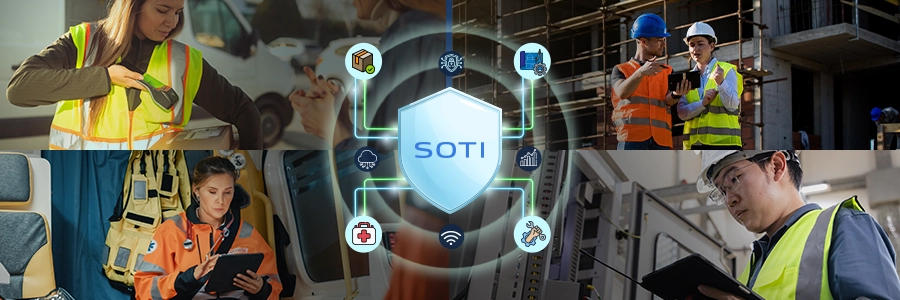
Remote work looks different across organizations – from field technicians and delivery drivers to remote office employes – but they all rely on technology.
Whether it’s a laptop and smartphone for a remote office employee, a tablet and scanner for a delivery driver, or a rugged device for a field technician, technology ensures that workers stay connected and able to perform critical tasks.
Beyond the device, task management software, video conferencing capabilities, remote IT support and incident management, and custom app development also play a key role in helping employees stay productive.
Two Important Types of Technology for Remote Workforce Management
- Remote Device Management Software: Remote device management is the centralized management and administration of remote devices. Mobile devices, laptops, printers, wearables and more are essential to daily operations. The more devices you have, the greater the risk of downtime, data breaches and other costly issues. That’s why organizations need a tool that can proactively monitor, diagnose, secure, lockdown and streamline device use.
- Diagnostic Intelligence & Support Software: The reality of remote work is that you can’t see what issues your remote workers may be dealing with. Is their rugged device holding a charge for the full shift? Is their smartphone crashing due to network errors? Diagnostic intelligence and support tools give you a complete view of your mobile device fleet, helping improve performance and reduce downtime.
Top Tools & Techniques for Communicating with Remote Teams
One of the biggest challenges for remote employees is maintaining clear, open communication, whether it’s between managers or coworkers. About 29% of remote employees say they struggle with communication gaps, and studies show that 30-40% of employees feel less connected to their teams when working remotely.
How Remote Teams Use Tools Like Slack, Microsoft Teams & Asana to Stay Aligned
For teams working in different locations, using tools like Slack, Microsoft Teams and Asana can make project management and communication much easier. Features like project boards, real-time messaging, file sharing, task management, app integrations and AI-generated summaries help remote teams stay aligned and up to date on projects and discussions.
How to Keep Remote Teams Accountable Through Transparent Communication & Task Tracking
Consider the importance of clear communication and task tracking when running a project or completing remote work, such as delivering a product or servicing a utility line. Whether employees are in the field or working from home remotely, they need to know what’s happening, what tasks are required and how to communicate throughout the process.
Take the example of a delivery driver with 35 deliveries in an 8-hour shift. Customers are waiting for those deliveries, and your company’s reputation is on the line. Your delivery driver needs a way to report their status, mark completed deliveries and notify you of any delays or issues. These updates must happen in real time, so the information is readily available in case a customer has a concern.
Communicating Effectively with Remote Field Technicians Vs. Remote Office Staff
Here are some interesting statistics around communication: According to a 2024 study done by Grammarly and The Harris Poll, people spend almost their entire work week (88%) communicating. This study showed that poor communication leads to increased stress (51%), lowered productivity (41%), strained relationships (31%), and missed deadlines (26%). Teams also lose about 7.47 hours (almost an entire workday) each week due to poor communication.
Effective communication is critical for all remote workers. Field technicians rely on it just as much as remote office staff. So, how can you improve communication across your remote teams?
4 Ways to Improve Remote Team Communication Today
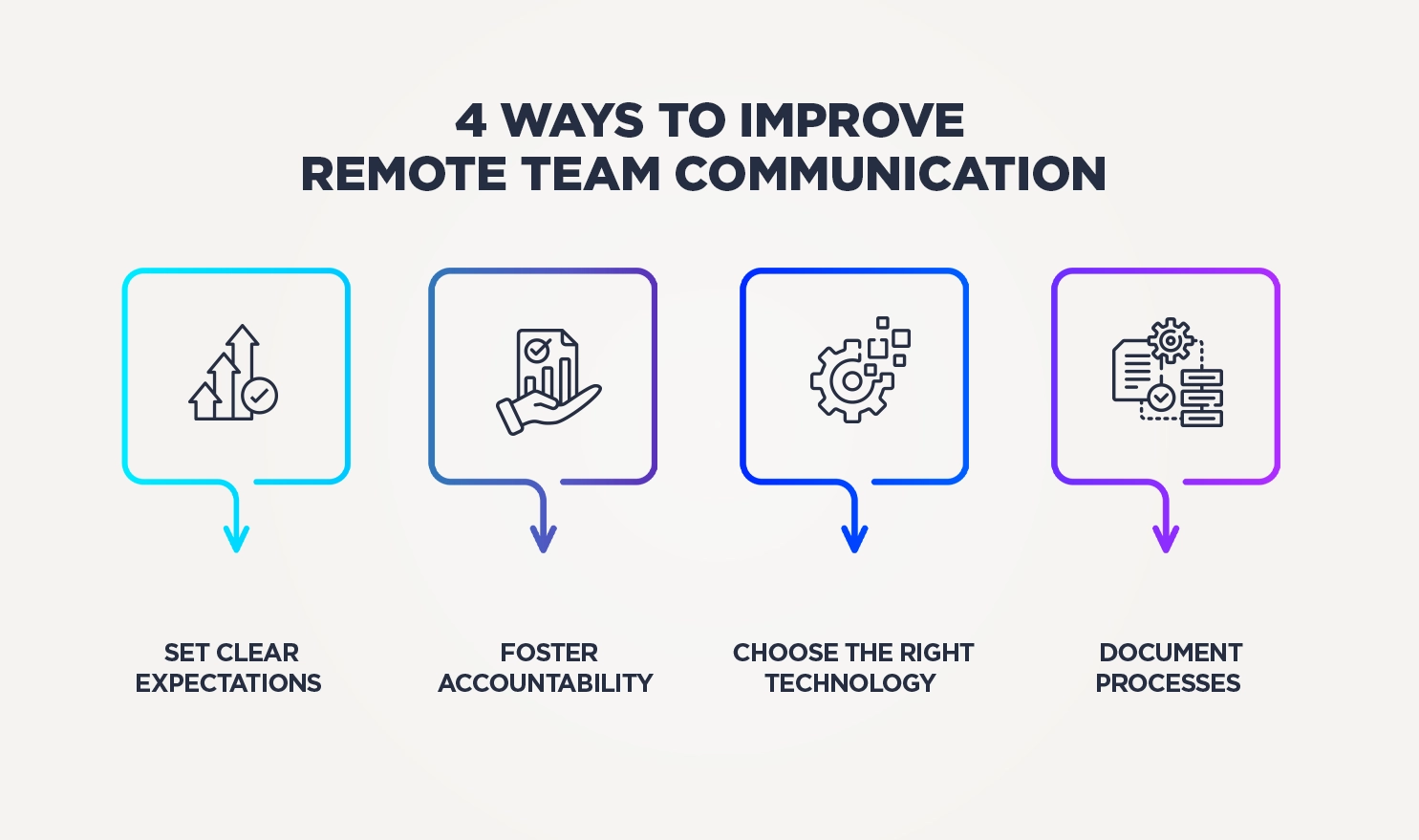
1. Set Clear Expectations for Remote Teams
Your remote teams need clear expectations on when they should be available, how they should communicate, which tools to use and more.
2. Foster Accountability Among Remote Workers
Ensure employees understand their commitments, can track and report progress easily and follow through consistently.
3. Choose the Right Technology to Ensure Remote Work Is Seamless
Implement tools for communication, documentation, digitization and project management to make work easier for your employees.
4. Document Processes to Improve Open Communication
Documenting processes and project decisions gives your teams the visibility and direction needed to do their jobs well.
Key Applications of AI for Remote Team Management
Predictive Productivity Insights
Nothing kills productivity faster than repetitive and tedious tasks. In fact, 64% of people say they would happily hand off tasks to AI to reduce their workload. Your remote workers likely feel this pressure, too.
AI helps companies improve productivity by enabling workers. Employees can use AI to automate repetitive tasks, answer common questions, review large amounts of data and generate insightful reports. It can also support brainstorming and decision-making.
Smart Communication Assistance
Remote workers often operate in different time zones or on different work schedules, which makes communication harder.
AI assistant tools like Microsoft Copilot can create calendar invites, transcribe meeting notes, provide insight summaries, set reminders and more. These tools make it easier for remote teams to stay organized and communicate effectively.
Device Monitoring & Management
Companies need strong device-monitoring and management tools to reduce risks, especially when remote workers are using home Wi-Fi or data networks outside company control.
Mobile Device Management (MDM) software with built-in AI capabilities helps companies stay compliant by automatically monitoring device and data requirements and triggering notifications. Companies can set up alerts around password complexity, apps, encryption, software updates and more – ensuring the right people are notified when these measures are at risk.
Automated Workflow Optimization
Manual, paper-based processes are slow, prone to error and take time away from more important work.
By using an AI-powered, cloud-based solution to automate your workflows, companies can reduce or even eliminate manual paperwork.
Want to explore remote team management further? Connect with us today!