
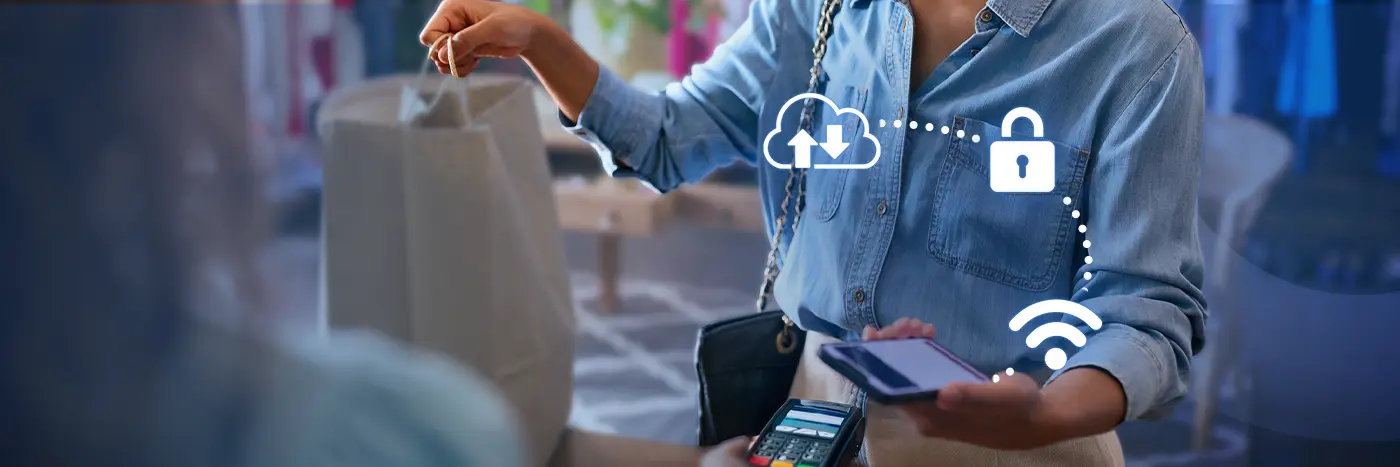
Retail moves fast. Checkouts should be simple and easy, inventory counts need to be accurate, and customer data must be secure. At the same time, customer expectations continue to rise – shoppers now demand faster service, seamless experiences and real-time product information. That’s why modern retail point-of-sale (POS) systems depend on centralized control.
Mobile Device Management (MDM) provides that control. It secures, updates and supports every POS device that retailers rely on.
Key Takeaways
-
POS systems are mission-critical for checkouts, inventory counts and customer data.
-
MDM keeps POS devices secure, up to date and compliant across all locations, reducing downtime and protecting sensitive data.
-
Regular device audits and remote management improve accuracy and reduce downtime.
-
Costs matter. Understanding POS system fees help you plan a budget, while MDM reduces ongoing support costs by cutting downtime, technician visits and device-related issues.
What Is a POS Device?
A POS device is any hardware used to facilitate sales and payments. This can include tablets, handheld terminals and more – anything IT can manage over the network. MDM integrates with these tools to keep data and devices secure, and employees productive.
Common Types of Retail POS Devices
-
Countertop Terminals
-
Tablets
-
Mobile POS (mPOS) Card Readers
-
Receipt Printers
-
Kiosks
-
Barcode Scanners
What Is a POS System?
A point-of-sale system is the central hardware (the devices mentioned above) and software used to process transactions, track sales and manage inventory. In simple terms, it’s where purchases happen and payments are accepted, whether at a fixed till, on a tablet or via a mobile point-of-sale device.
Why Mobile Device Management (MDM) Matters for POS Systems in Retail
Retailers now have hundreds, even thousands, of mixed POS devices. Imagine if they were all disconnected, operating separately and unmanaged. The environment would fall into chaos and retailers would face operational slowdowns, increased errors, more support costs, increased security risks and ultimately poor customer experiences.
MDM brings POS devices under one console. IT can lock devices to business apps, push updates, monitor health and remotely support staff, reducing downtime.
Payments also require strict security. MDM enforces security policies at scale. It restricts device access, keeps devices updated, manages malware risk and detects loss or theft, helping stores stay compliant.
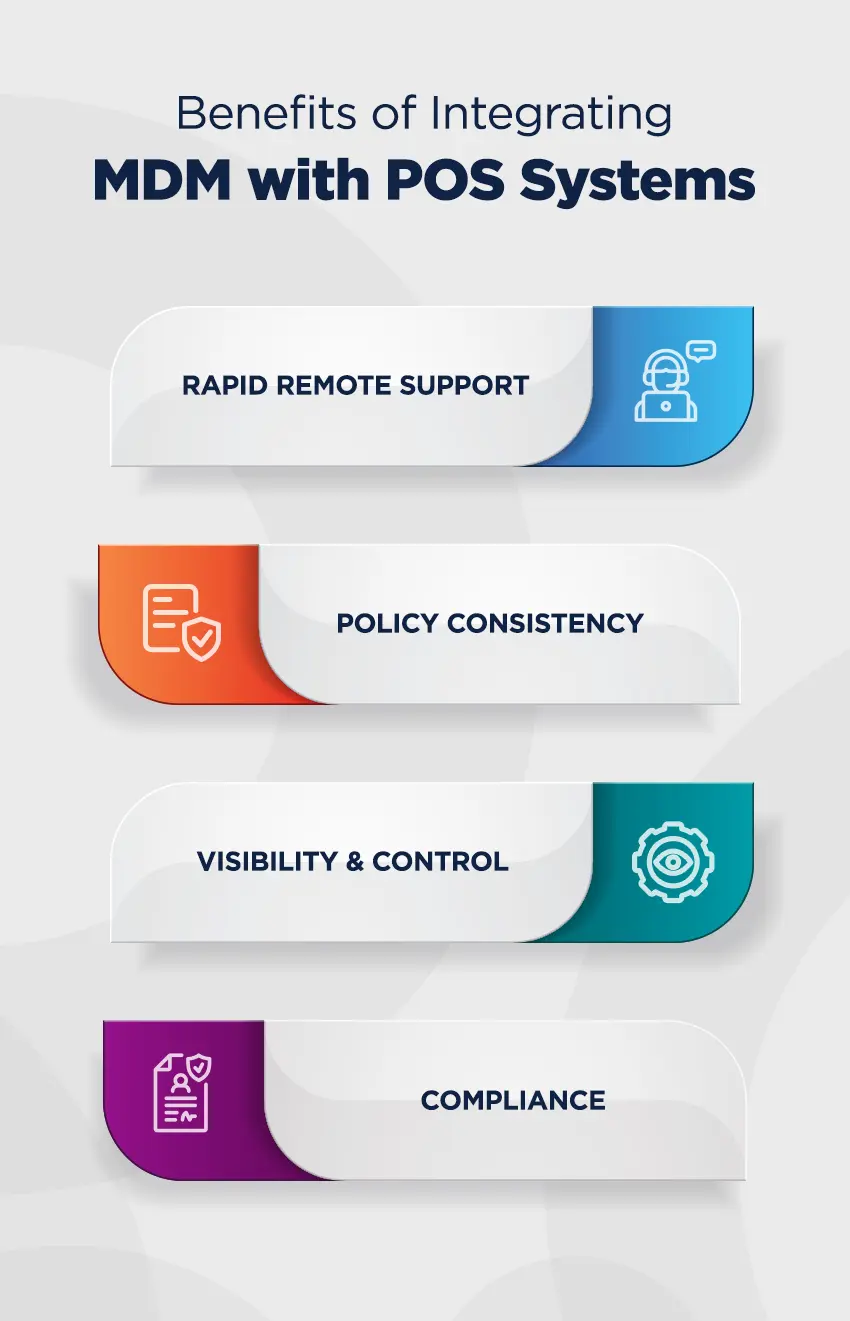
Benefits of Integrating MDM with POS systems
-
Rapid Remote Support
MDM enables remote support. Staff can screenshare and resolve issues in minutes, reducing the need for on-site visits.
-
Policy Consistency
IT can lock pos devices to a single app (kiosk mode), block unapproved app installs and keep OS/firmware up to date.
-
Visibility & Control
Real-time device health and alerts help prevent checkout issues during peak season and during rushes.
-
Compliance
Enforce encryption, strong authentication and software updates.
How MDM Protects Mobile POS & Supports On-the-Go Selling
Mobile POS systems let associates check out customers anywhere (curbside, pop-up events or on the sales floor). This flexibility boosts conversions and shortens checkout lines; however, it also increases risk if devices are lost or stolen.
That’s where MDM comes in. MDM strengthens security by managing enrollment, enforcing security policies, enabling geofencing, and remotely locking or wiping devices to keep data safe.
What POS Systems Do for Customer & Staff Experiences
According to SOTI’s 2026 Retail Report, 58% of global consumers want to see more technology-enhanced shopping. POS systems increase the speed, reliability and ease of checkouts for both staff and shoppers, enhancing the customer experience by making it more streamlined and efficient.
MDM helps reduce app crashes, keep inventory up to date and ensure devices stay connected, delivering a smooth, integrated and consistent experience that strengthens brand trust.
Cost of a POS System
Budgeting for retail pos systems means understanding the cost of the software, hardware and processing fees. For instance, a Square POS system does not have setup fees or monthly fees, but it includes per-transaction fees and hardware costs.
As the number of pos devices grows, fees increase. MDM lowers the total cost of ownership by reducing store visits by technicians, preventing outages and extending device life.
Retail Case Study: Cheap as Chips
Australian owned and operated, Cheap as Chips is a discount department store that offers a diverse range of products sourced both locally and globally. Founded in 1985, Cheap as Chips first opened in Morphett Vale, South Australia, and has since grown into a company with 50+ stores.
The Challenge
The company implemented over 100 devices across its stores. Its dispersed workforce presented logistical challenges when it came to managing and maintaining technology. The company needed a solution that could provide remote support and troubleshooting capabilities while enabling its workforce to operate more efficiently.
The Solution
Leading retail technology partner RetailCare recommended SOTI MobiControl to manage and secure Cheap as Chips devices. This allowed Cheap as Chips to manage its entire mobile lifecycle, from deployment to retirement, while tracking physical assets, managing apps and content, and keeping devices and data secure, regardless of geographic location.
The Result
SOTI MobiControl safeguards Cheap as Chips’ devices by monitoring their health and performance while identifying and resolving issues remotely. With SOTI MobiControl, Cheap as Chips can now easily enforce security policies, such as password protection, encryption and remote wiping of lost or stolen devices. This is particularly important for retailers because the security of confidential and sensitive business data is paramount.
Cheap as Chips now has the control and observation power it needs to assist stores with device-related issues, saving a significant amount of time and money to improve its overall business operations, remote support and customized development of software.
Read the entire Case Study here.