
Device Details Tab
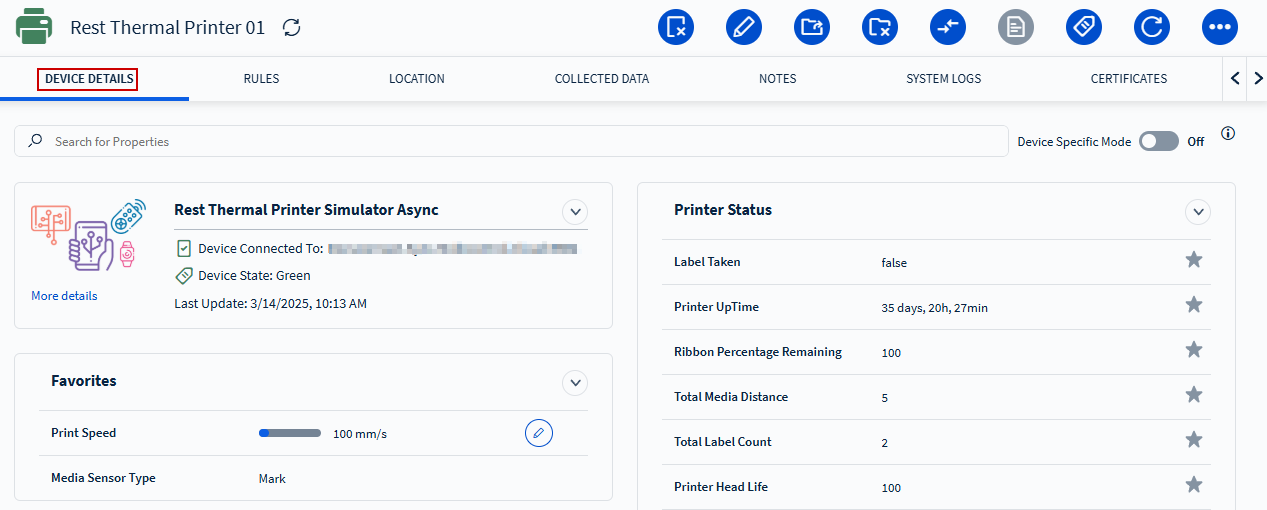
The Device Details tab provides a high-level overview of device's features and settings.
Tip:
- Use the favorite icon to add a setting to your Favorites list, allowing you to quickly access the most important information.
- Toggle the Device Specific Mode to view the exact values reported by the device.
Available Device Properties
SOTI Connect provides several device properties that help
monitor device state and connectivity:
| Last Update | Changes whenever there is a new device state or after device check-in. |
| Last Contact Time | Changes when the device connection status becomes Online. |
| Last Connection Status Check | Changes whenever there is a new device state or when the device connection status is updated. |
| Last Connection Status Update | Changes when the device connection status changes (for example, from Disconnected to Online). |