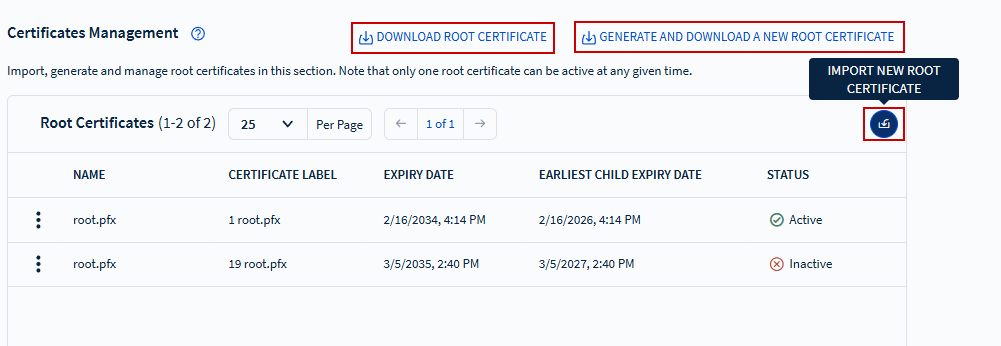
The Certificates Management view enables you to import and manage root system
certificates. You can access it by selecting Main Menu > Administration > Certificates Management.
From the Certificates Management view, you can:
Download the Root Certificate
Generate and Download a New Root Certificate
Import New Root Certificate
Note:
Only one root certificate can be active at any given time.
Device certificates are not imported or managed in the Certificates
Management view. See Device Certificates and Certificate Authorities for details on
importing and managing device certificates.
If you are using Active Directory Certificate Services (ADCS) for
certificate generation, the management server (SOTICONNECTMS) must run from
an account with administrator privileges.
Using an untrusted self-signed root certificate may cause issues, such as
SOTI Connect becoming inaccessible due to the HTTP
Strict Transport Security (HSTS) setting. Custom self-signed root
certificates must be added to the Trusted Root Certification Authorities
store of the operating system.