
Managing Passkey Connections
Edit or delete existing passkey connections from your account.
About this task
You can manage existing passkey connections from your SOTI Identity account preferences. Use this section to rename a passkey for clarity or remove it if the associated device is replaced or no longer in use.
Procedure
To manage a passkey connection:
- Log in to the SOTI Identity Console.
- Select your username in the upper-right corner.
-
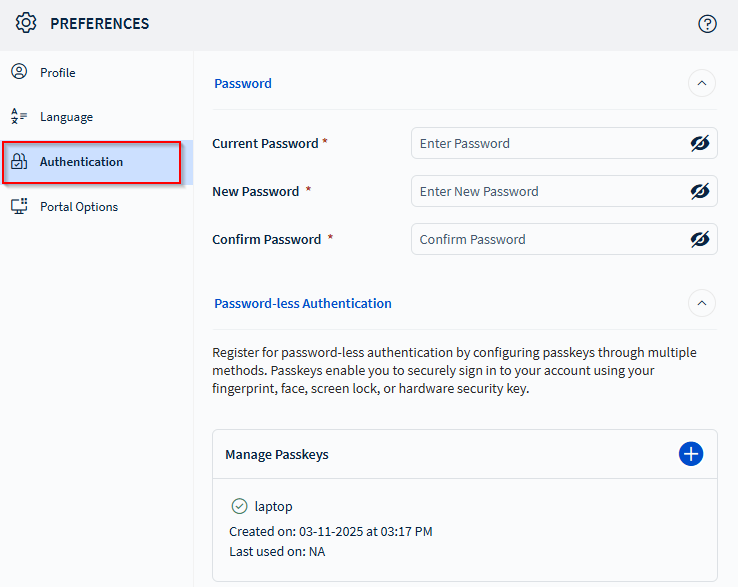
Select .
-
In the Manage Passkeys section, hover over the passkey you want to modify.
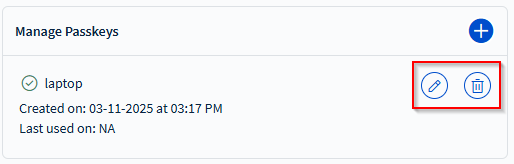
- To edit the passkey name, select Edit () and enter a new name, then select Update.
- To delete a passkey, select Delete () and confirm the removal when prompted.