
Viewing Files and Folders
About this task
Procedure
-
Access the File Manager (see Displaying the File Manager).
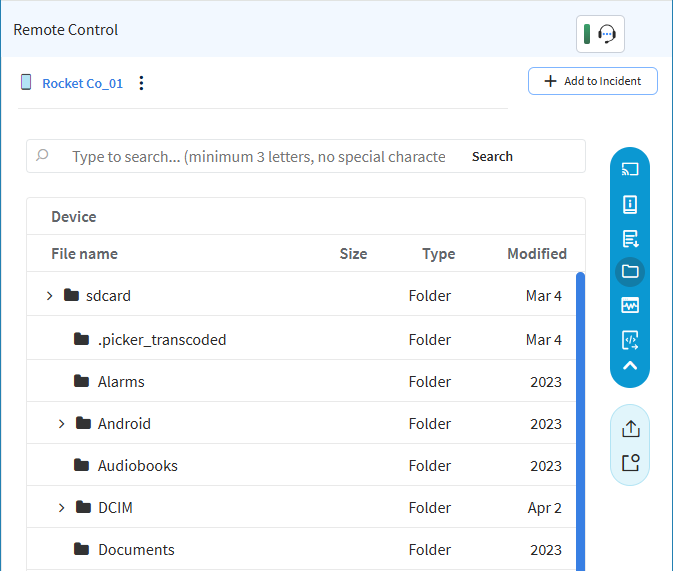
To view files and folders on the remotely controlled device, perform one or
all of the following steps:
- Scroll through the file system as required.
- Select folders to expand them.
- To search for a specific file (not a folder), enter at least three characters of its name in the search field, then select Search on the right.
- To return to the full file/folder tree view, select Clear in the right-hand part of the search field.