
|
Android+ Device Agent |
Opening the Device Agent will allow us to gain access to specific components of MobiControl. For the AndroidDevice Agent these components will be:
- Application Catalog
- Content Library
- Message Center
- Device Configuration
- Support
Tapping the menu button will show all these components on the left hand side.
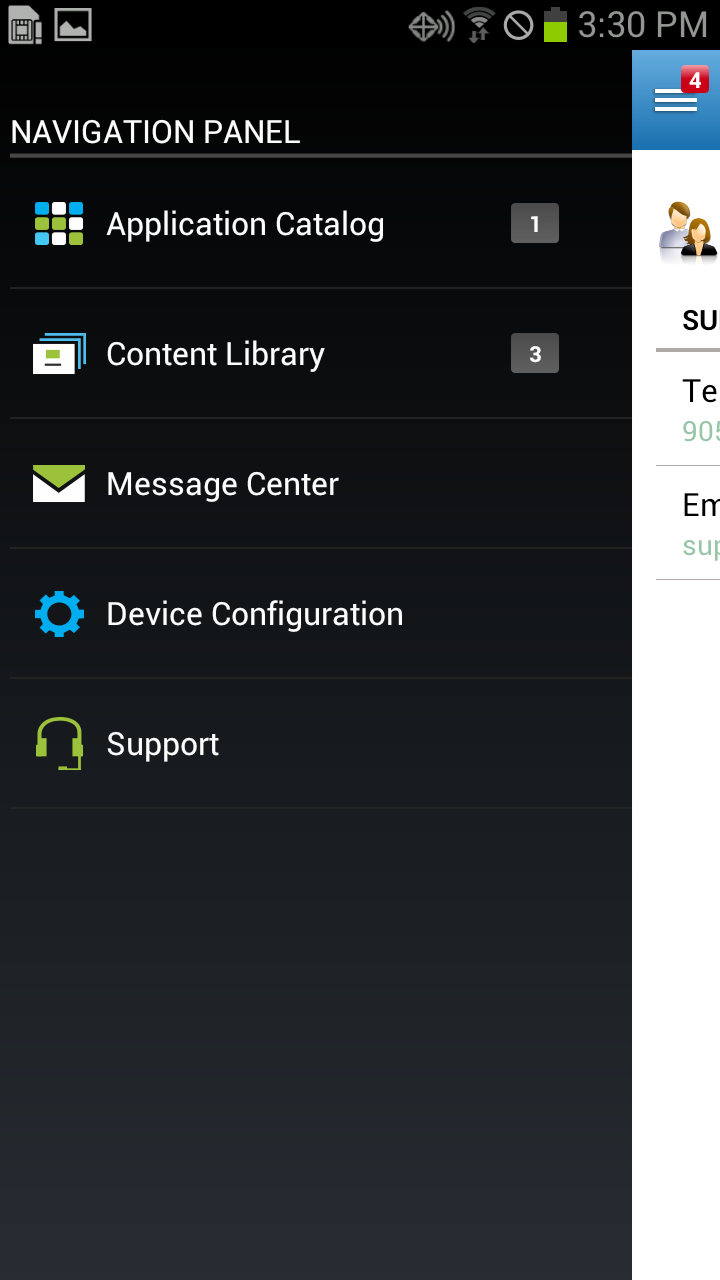
Device Menu
Application Catalog
The application catalog menu will show the available applications, (App Store and Enterprise), that the device is able to download. Please see the Android+ Application Catalog page for more information.
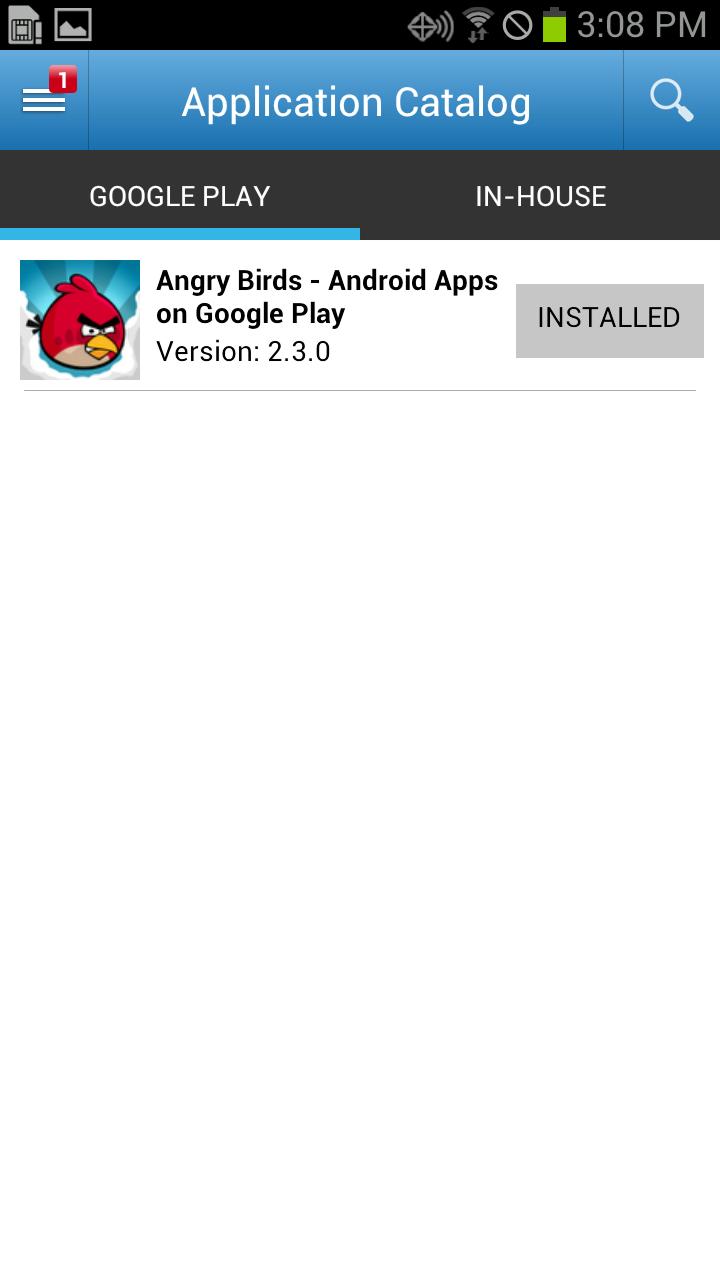
Application Catalog
Content Library
The content library tab will show all files that are available for download from MobiControl. Please see the Secure Content Library Tab page for more information.
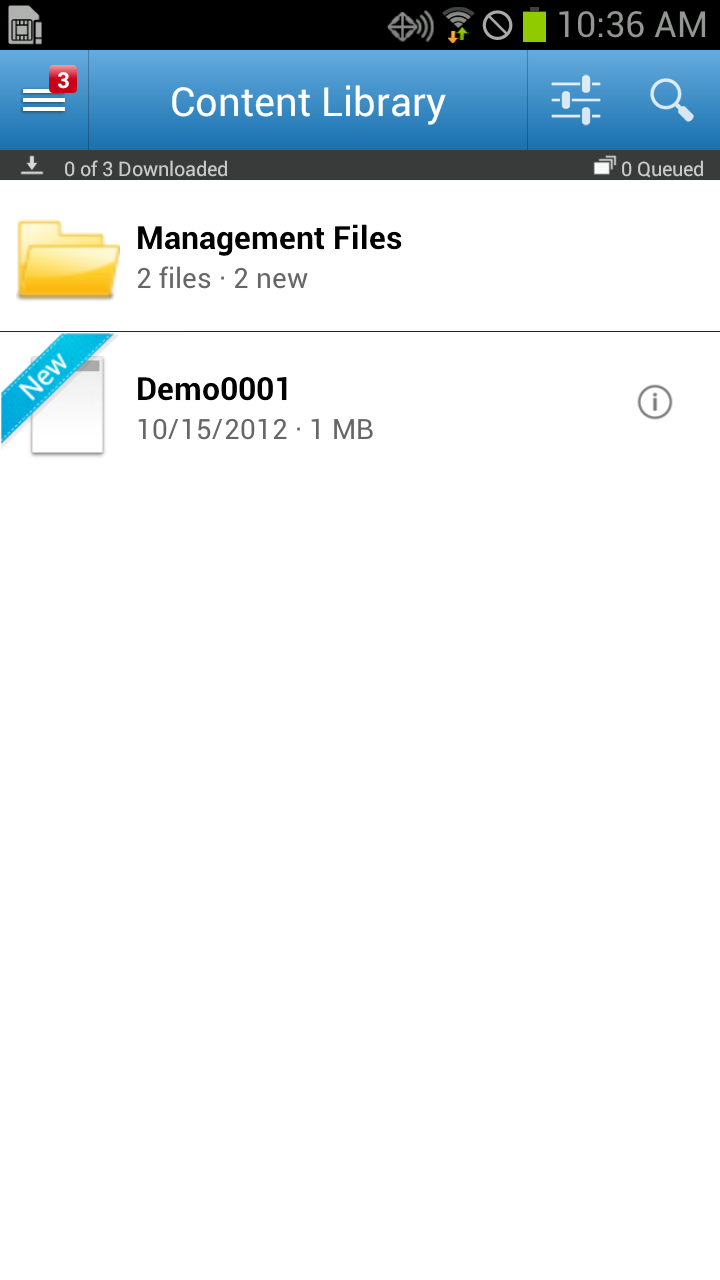
Content Library
Message Center
The message center will store all messages that were sent from MobiControl administrators. Users can tap each message to see the whole message.
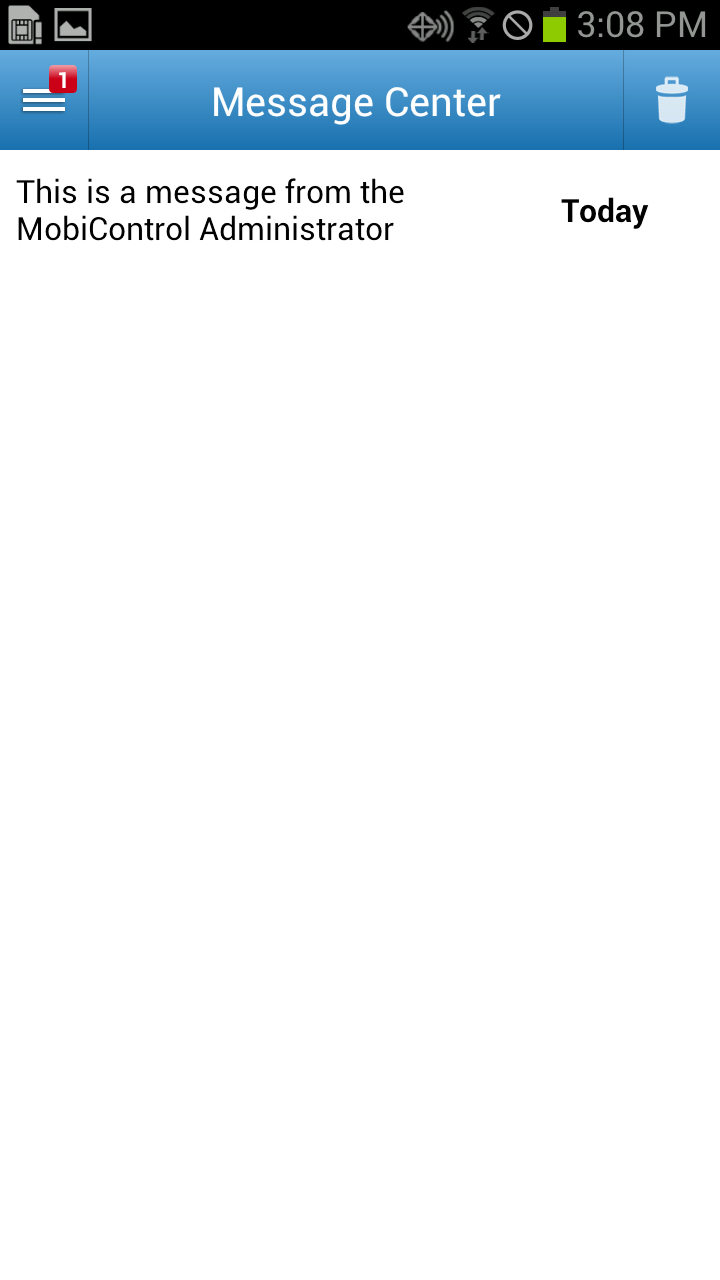
Message Center
Device Configuration
The device configuration menu shows all available information for the device. This includes the model type, Android version, enrollment status and other bits of information.
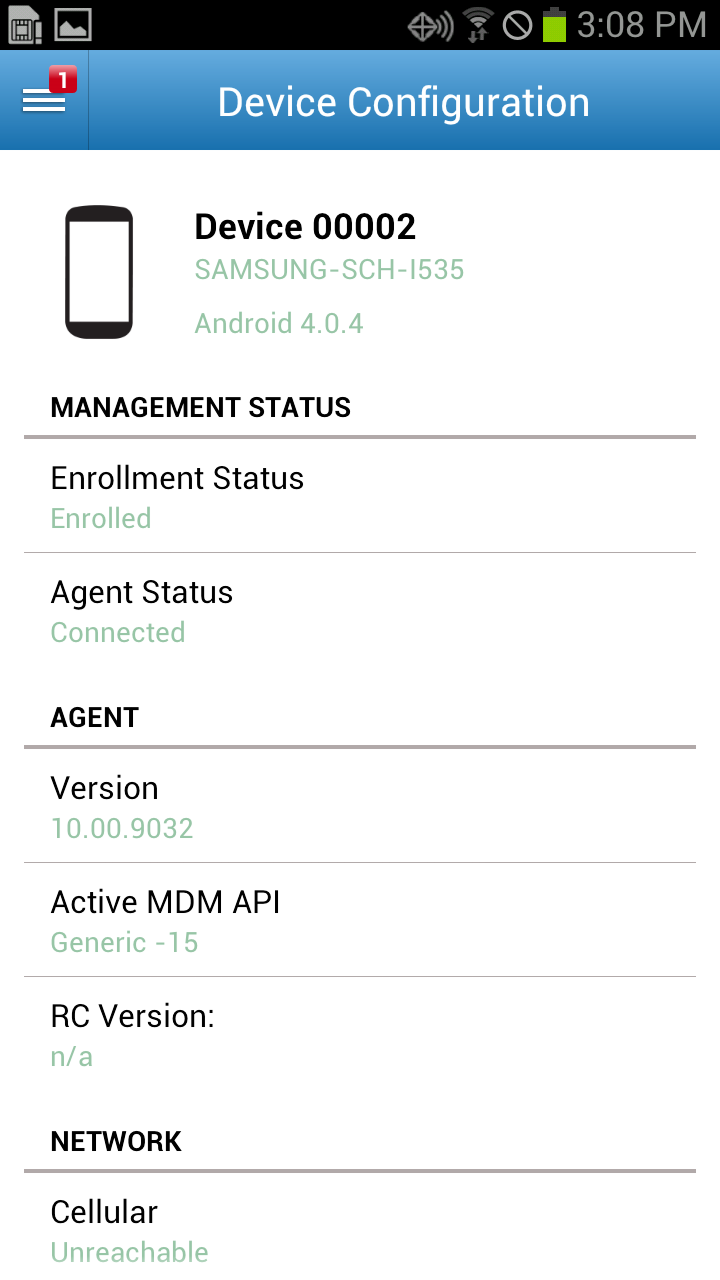
Device Configuration
Support
The support menu will show the items that were configured from the MobiControl web console. When a user taps either the phone or email items, it will open the respective application to complete the action. For example, tapping the phone item will open up the phone application. Please see the Android+ Support Contacts Info page for more information.
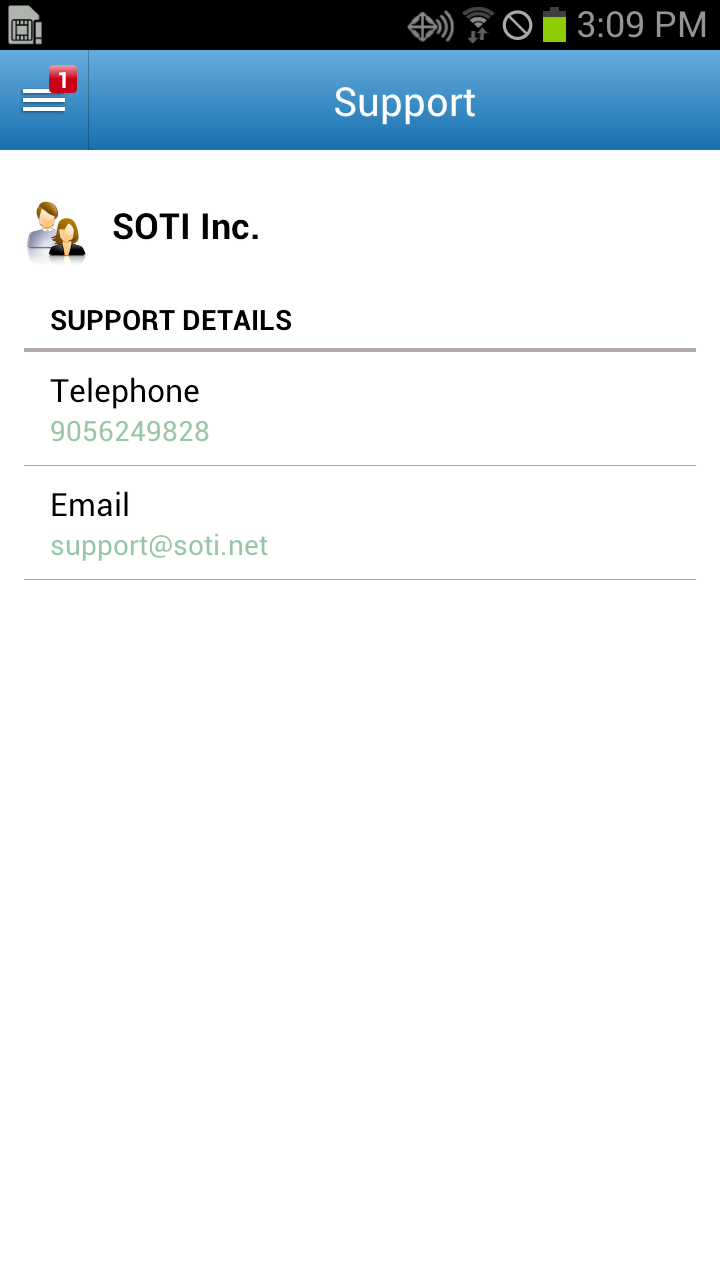
Support