
|
Android+ Support Contacts Info |
The Support Contacts Info panel allows us to set contact information when a user opens up the MobiControl agent on their device. Information that we are able to configure are Email, Phone, Name, Company name and a company logo.
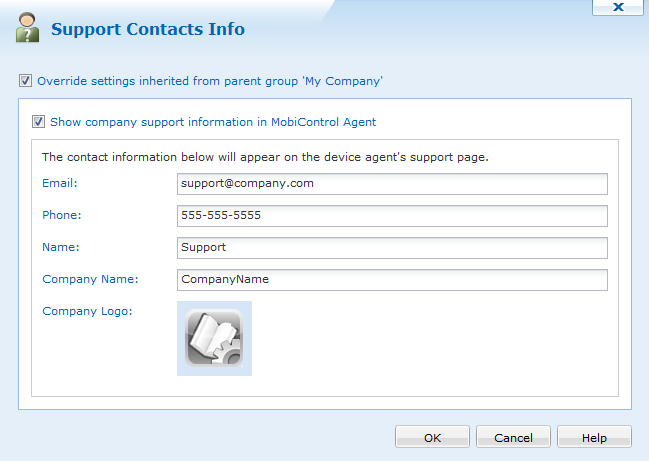
Support Contacts Info dialog box
When each of the fields are set and OK is pressed, this information will then be sent down to the devices where this was configured on. When a user opens up their MobiControl agent and goes to the support info tab, they will be able to see the appropriate information.