
|
MobiControl Root Certificate Management |
MobiControl's Root Certificate is automatically generated when you first install MobiControl.This ensures when devices connect to your MobiControl, it's trusted. Root Certificate Management provides ability to Administrator to generate, Export, import, delete or to see details of root certificates.
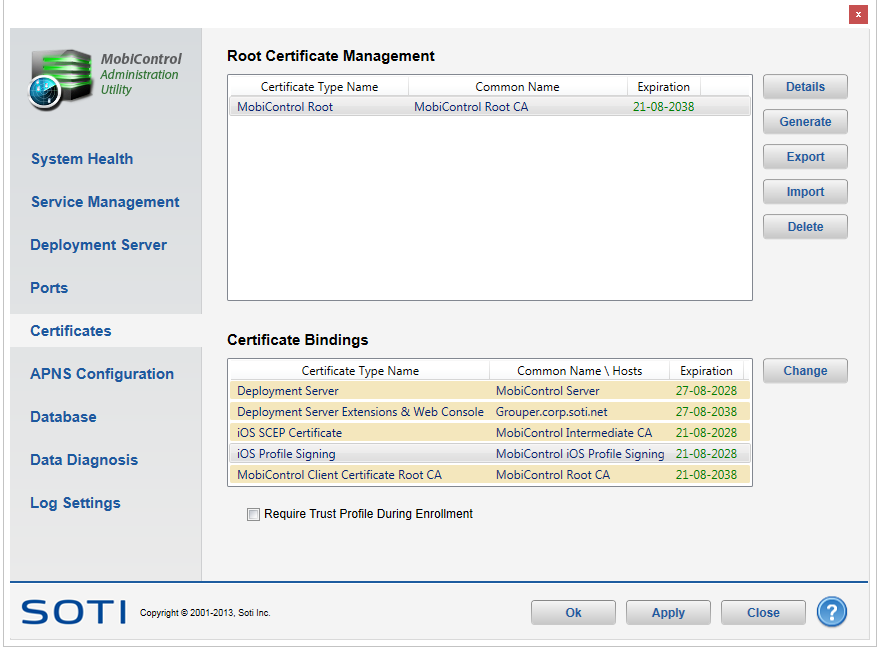
Root Certificate Management dialog box
Details
To view details about MobiControl root certificate click on Details.
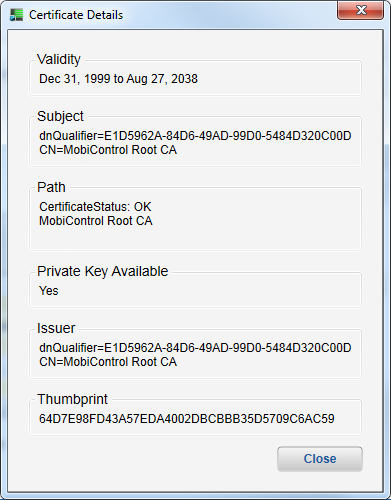
Root Certificate Details dialog box
Generate
- Click Generate, and on the succeeding prompt, select Yes.
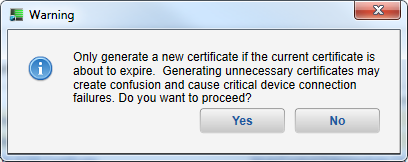
- Once a new certificate is generated, click OK in the MobiControl Admin Utility. Once clicked, MobiControl will restart it's services.
Export
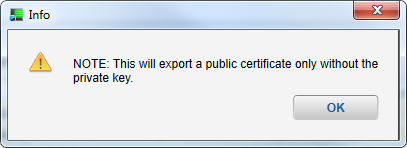
- To Export an existing MobiControl root certificate, click Export. This is export only public root certificate without private key.
Import
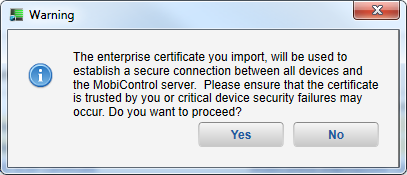
Administrator can import external root certificate if require but needs confirm if that certificate is trusted.
Delete
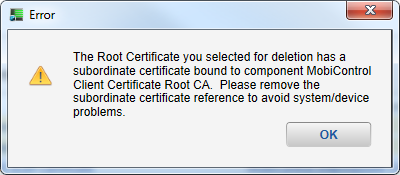
You can delete existing root certificate by clicking 'Delete' button. Make sure selected root certificate is not being used by MobiControl.
Certificate Bindings
Certificate bindings allows administrator to change certificates for various MobiControl services such as Deployment Server, MobiControl Client Certificate etc.
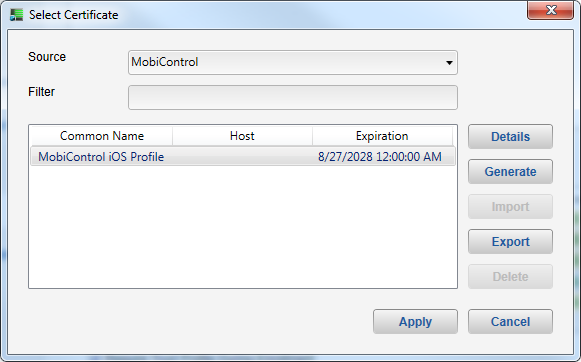
To change certificate binding for particular MobiControl service, select Certificate type and click Change.
| Field Name | Description |
|---|---|
| Source | You can select source of certificate. For instance, you can use MobiControl generated certificate or your local root certificate. |
| Filter |
You can add filter on selected certificate. |
Please see the SOTI Administrator Utility page for more information.