
|
Terms and Conditions |
The terms and conditions page allows us to send terms and conditions to devices. Users must accept these terms before they are able to enroll their device to MobiControl. If they do not accept the terms and conditions, the device will not connect.
There are two ways to manage terms and conditions. One is when creating a new Add device rule, and the other is from the servers tab on the Web Console.
When we manage terms and conditions we will see the following manager:
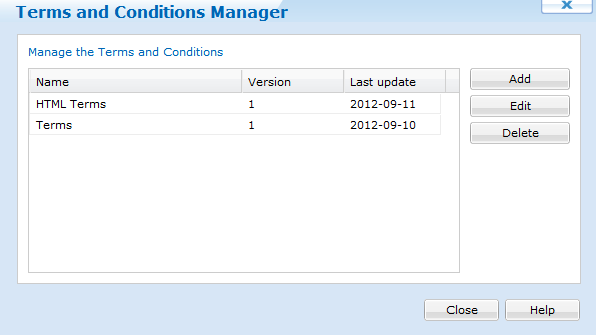
Terms and Conditions Manager
Here, we are able to add a entry with the  button. When the add button is clicked, a prompt will display asking for the name and the source of the Terms and Conditions. MobiControl accepts either a plain text file (UNICODE) or a HTML file.
Clicking "Require existing device(s) to accept the updated Terms and Conditions" ensures that devices that are already enrolled, accept the terms.
When uploading HTML files, MobiControl supports light weighted HTML. Here is the list of tags that we are able to use:
- <a> (supports attribute "href")
- <b>
- <big>
- <blockquote>
- <br>
- <cite>
- <dfn>
- <div>
- <em>
- <font> (supports attributes "color" and "face")
- <i>
- <p>
- <small>
- <strong>
- <sub>
- <sup>
- <tt>
- <u>
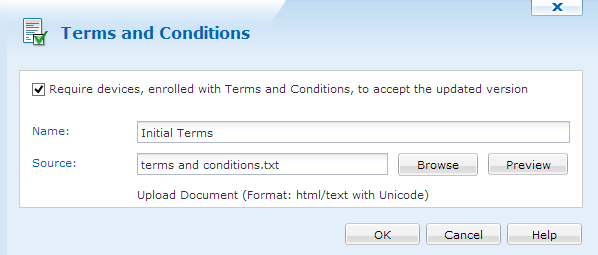
Adding new Terms and Conditions
Clicking  will allow us to see the terms and conditions.
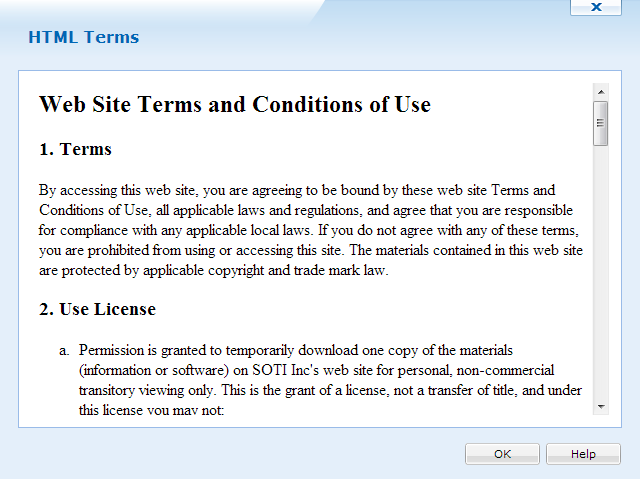
Adding new Terms and Conditions
With the  button, we can upload an updated Terms and Condition file for that item. When this happens, the version number of the Terms and Condition is increased by 1.
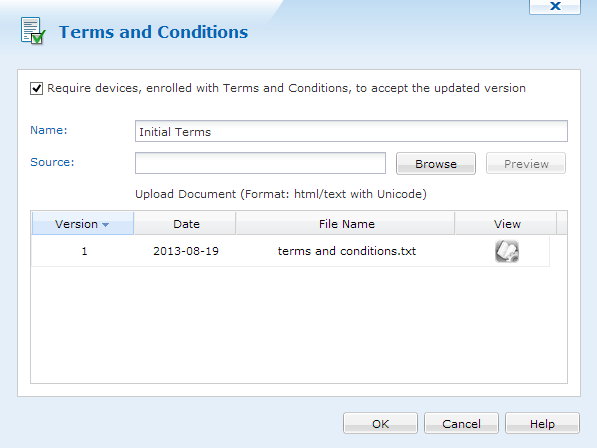
Edit Terms and Conditions