iOS Network Restrictions |
Network Restrictions allow administrations to control the level of network access that a user has access to while using a specific application. Due to the large number of applications available, both work and entertainment based, it can be useful to administer restrictions on certain applications that use a large amount of cellular network data or cost data roaming. This configuration requires iOS 9 or later.
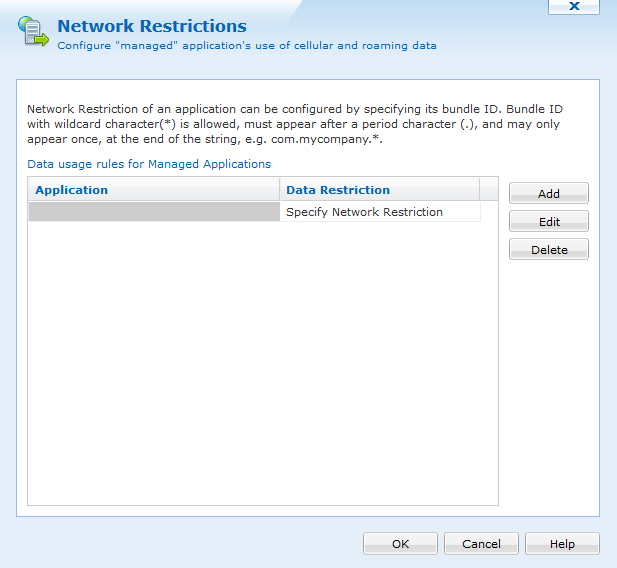
To create a Network Restrictions, go to the iOS Profiles dialog and select the Configurations tab. The Network Restrictions configuration falls under the Security & Restrictions section.
Add applications by clicking the Add button and entering the application bundle ID in the text field. You can then specify how this application's network access is restricted:
- Disallow Cellular Data
- Disallow Cellular while Roaming
Input your settings, click OK and finish creating or modifying your Profile. You can create multiple Network Restrictions configurations.