
|
iOS Certificates |
With MobiControl's certificate policy, we are able to install certificates on devices on behalf of authenticated users or devices.
To get here, right click a device/device group, and select Device Configuration. Once the Device Configuration window appears, click Certificates.
Here, we are able to upload certificates, or generate new ones based on Templates.
Note:
To set up certificate templates, Certificate Authorities must be set up. Please see the Certificate Authorities page for more information.
Certificates
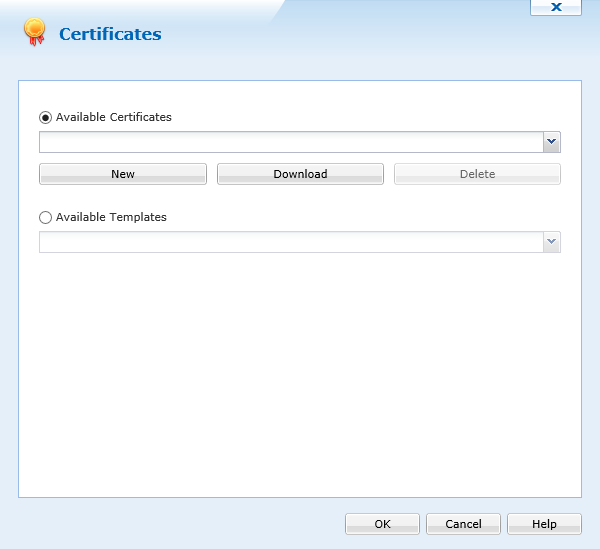
Profile configuration - Certificates
When the Certificates window is open, we can upload new certificates by clicking  .
.
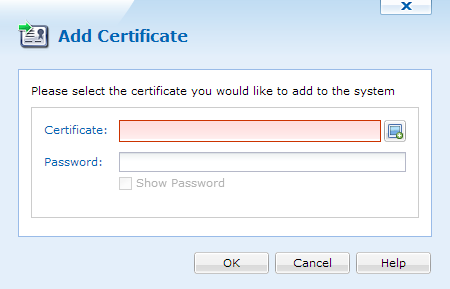
Adding new certificates
Click  to select a certificate. When uploaded, type the password associated with it, and click
  .
.
When the certificate is added, we can select it and click any of the right arrows to move it to the Select Certificates panel. This will now install the certificate on the device or device group it is configured for.
Templates
Templates allows MobiControl to request a certificate on behalf of a user or device, and install it. This allows for dynamic certificates.
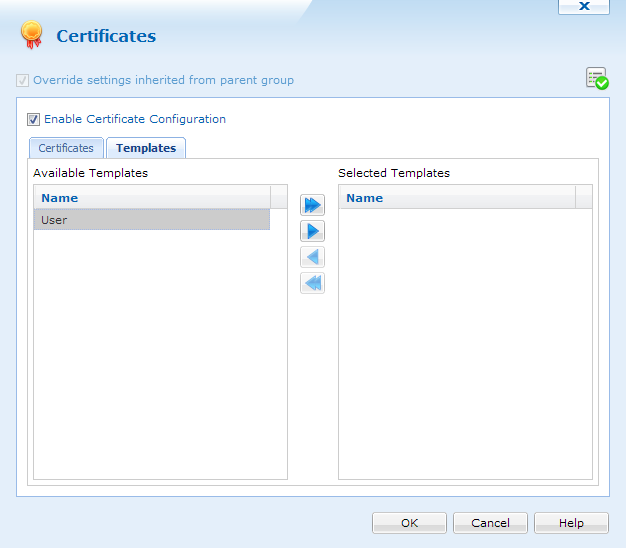
Selecting Certificate Templates
Certificate Templates are based off the templates configured in Certificate Authorities. Please see the Certificate Authorities page for more information about certificate templates.
When templates are configured, we can select one or many, and move it to the Selected Templates panel.
After all certificates have been selected, clicking , will close the window and apply the settings.