iOS Contacts Configuration |
Setting up the Contacts configuration allows devices to download specified company contacts. Once configured, information from these directories will be placed on the iOS contacts app.
To access the Contacts configuration dialog box, click the Add button in the Add Profile dialog box, then click Co ntacts under the Email, Contacts & Calendars heading.
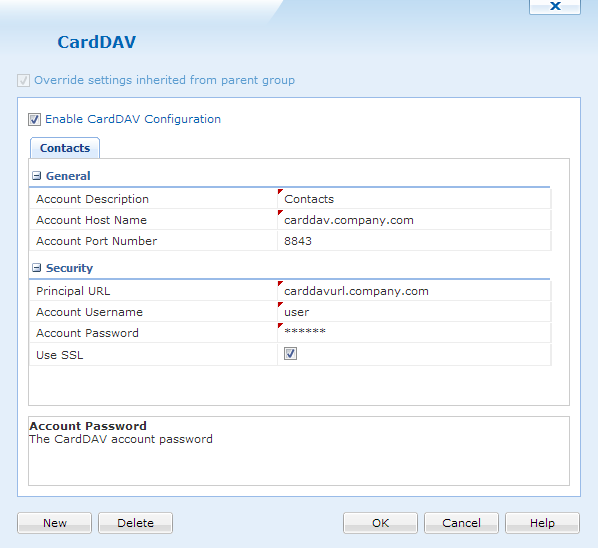
Contacts dialog box
General Settings
Below is an explanation for each field under the general settings:
| Field Name | Description |
|---|---|
| Account Description | The display name for this configuration |
| Account Host Name | The CardDAV account host name |
| Account Port Number | The CardDAV account port number |
Security
Below is an explanation for each field under the general settings:
| Field Name | Description |
|---|---|
| Principal URL | The URL for the CardDAV account |
| Account Username | The username for the CardDAV account |
| Account Password | The password for the CardDAV account |
| Use SSL | If selected, this enables SSL communication with the CardDAV server |
If more than one CardDAV configuration is needed, just click  . If one isn't needed any more click
  .
.
When all configurations are complete, click  to save and close the window.