|
Using Manage Geofences |
The Manage Geofences feature provides an area in which to rename, delete or view current created Geofences. You also have the option to create a new geofence from the drop down menu.
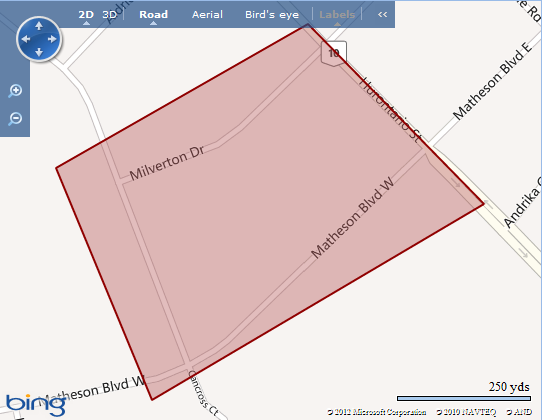
Location panel right click map and select Manage Geofence option
Selecting Manage Geofence brings up the following window.
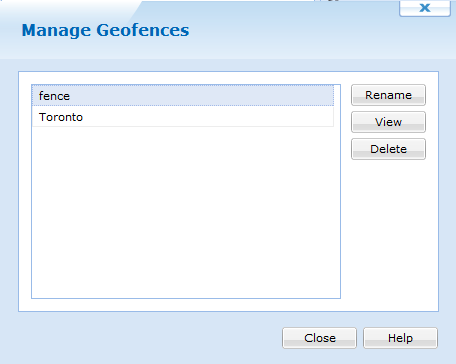
| Field Name | Description |
|---|---|
| Rename | Allows you to rename a Geofence |
| View | Allows you to view an already created Geofence on the map |
| Delete | Allows you to delete a
Geofence
In order to Delete the Geofence, no Geofence Event can be associated with it |
 Note:
Note:
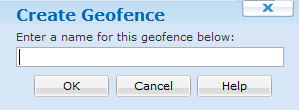
The Create Geofence option allows you to begin drawing on the map. The area drawn on the map will be defined as the Geofence. The defined area must be a complete geometric shape, which means the Start Drawing point will be the same as the End Drawing point. When you have completed a proper geometric shape you be asked to name your geofenced area.