
|
Secure Content Library |
File Context Menu
When files have been uploaded to the Secure Content Library we are given additional options when we right click a file.
These options include:
- Delete
- Download
- Move File
- Properties
- Upload a new file version
- Rename
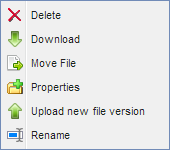
File Context Menu
Delete
Selecting delete will delete the file from the Secure Content Library. A confirmation dialog will appear asking for confirmation.
When a file is deleted from the Secure Content Library and it was already pushed to devices, the file will be removed from devices on the next synchronization.
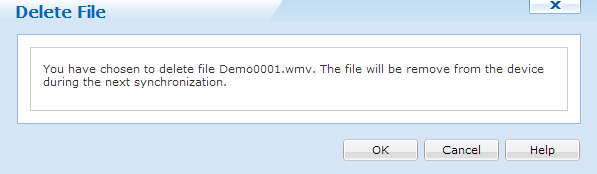
Delete dialog box
Download
Selecting download will download the selected file into the default download directory for your browser.
Move File
Selecting Move File will allow us to move the selected file to a different folder in the content library.
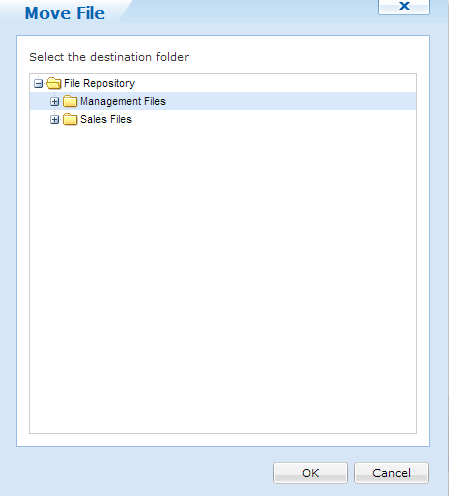
Move File dialog
Properties
Clicking Properties will bring up the File Properties dialog. Here we can see all properties that is associated with this file.
Most of the settings here can be configured or edited.
Note:
Security settings are only available for iOS devices.
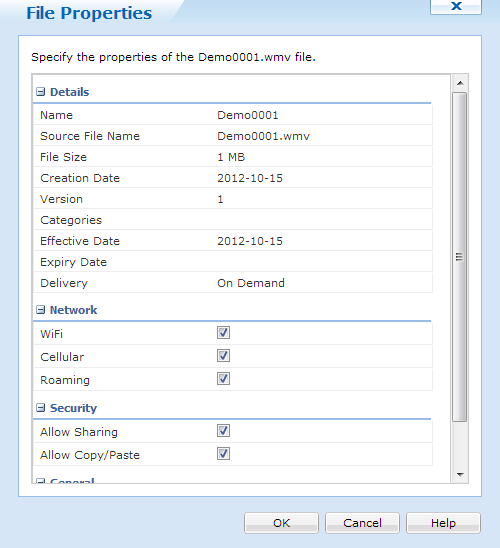
File Properties
Upload new File Version
When we select the upload button, we are given the option to upload a new version of the specified file. When a new file version is uploaded, devices will be able to download the latest version.
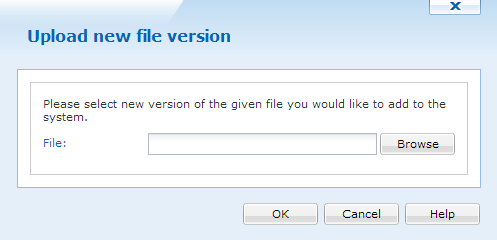
Upload New File Version
Rename
Renaming allows us to change the display for the file type. This will not change the actual file name.